Agents
Which processes should be agents, and which should not.
Two kinds of agent, the workflows that run them, and when you don't need one at all.


Two kinds of agent, the workflows that run them, and when you don't need one at all.
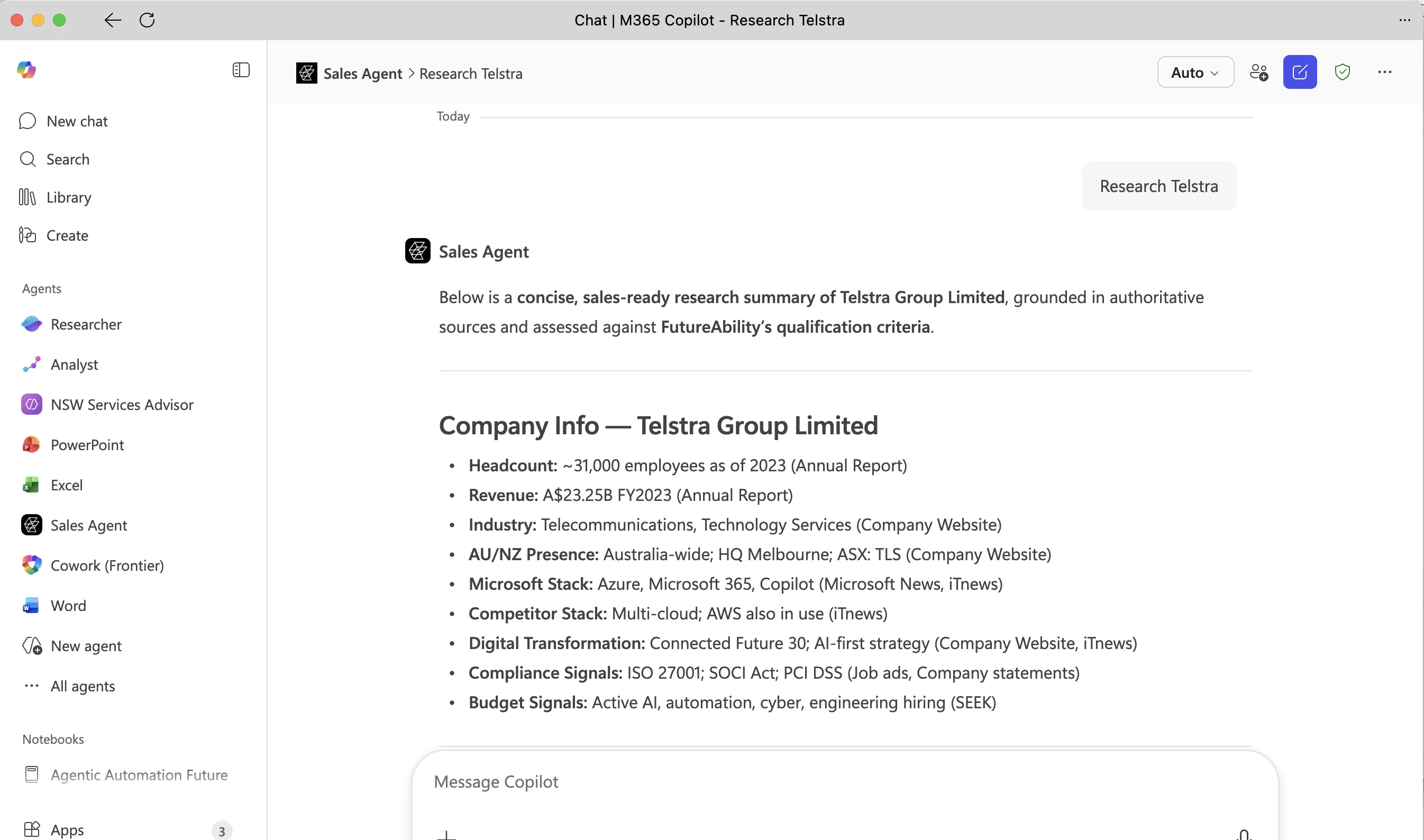
A productivity agent lives in the tools people already use: Teams, Outlook, Word, Copilot. A person asks it something in plain English and it answers from the organisation's own documents and data, or carries out the task.
They are the quickest way to put AI in front of a whole team: nothing new to learn and no change programme to run. Most organisations start here, reasonably. A productivity agent does not change how a process runs.
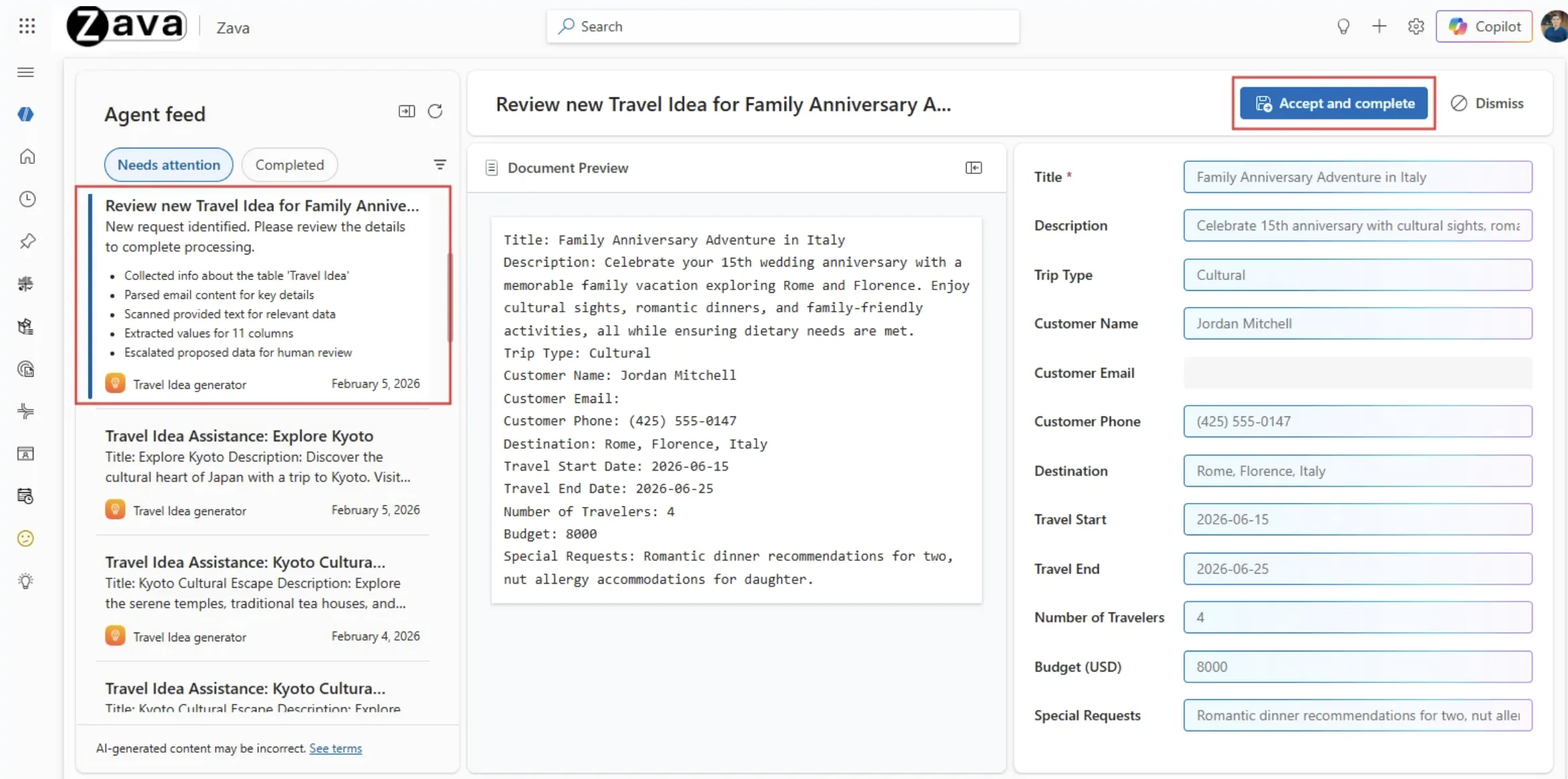
A process agent sits inside a business process and does work that a team does today. A workflow kicks it off and handles the fixed steps. The agent reads whatever has arrived, works out what it is and decides what should happen next. A person watches, deals with the exceptions and signs off before anything goes out. Over time, as the agent proves reliable, it is given more room to act on its own.
This is where the return is, and it is the harder of the two. Processes are hard to find because nobody sees one end to end, and hard to build because they cross systems. It is the work FutureAbility has done on Power Platform since it started. Microsoft's term for an organisation that runs this way is a Frontier Firm, and its research is worth reading.
We build Power Apps around the workflow, so the agent does the volume and a person can see every step and step in when it gets stuck.
One example: up to a hundred contracts a week arrive in a law firm's shared mailbox. The agent creates the matter workspace and checks the details against external registers, saving about three hours per contract and halving the end-to-end time.
FutureAbility works directly with the Microsoft product team on this. The agent is responsible for the work; the person is accountable for the outcome.
Most of any process is fixed steps: if this, then that. A workflow should run those, because it is cheap and does the same thing every time. An agent should only take the steps that need judgement. Microsoft's phrase for this is the right level of intelligence at each step.
Most agent requirements FutureAbility is shown turn out to be a workflow with one agent step in it. Built that way it costs less to run, is easier to govern and behaves predictably. Built as a single large agent it tends to drift. Working out which steps are which is part of the job.


There are four ways to find out, starting with a three-week proof of concept, or build one yourself at Agent in a Day. The first conversation is thirty minutes.